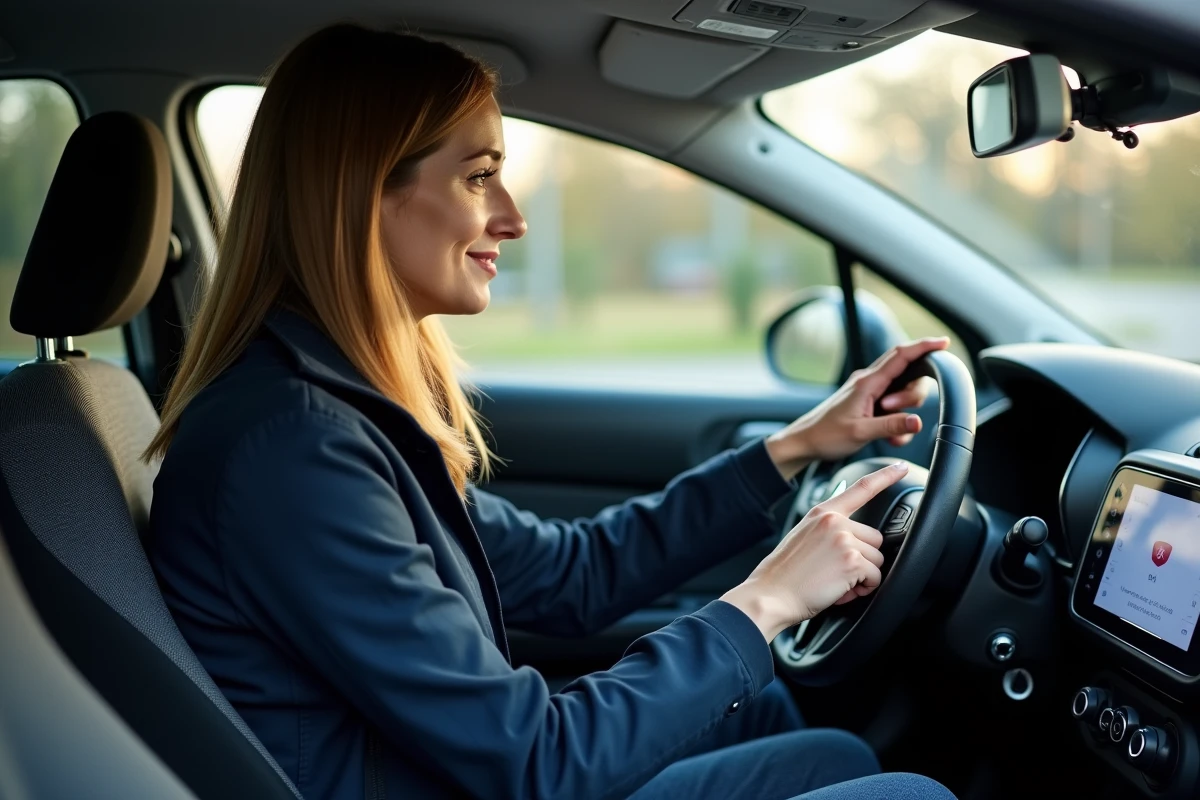
The Bluetooth connection of a Citroën C3 car radio is not just a simple phone-to-car pairing. Depending on the vehicle’s generation and the chosen trim, Bluetooth may be limited to hands-free calls or include A2DP audio streaming. This distinction radically changes the onboard experience. Understanding what your embedded system actually allows, and what it does not, prevents disappointments and unnecessary purchases.
Bluetooth Profile by Citroën C3 Generation: Hands-Free or Audio Streaming
The most common confusion among C3 owners concerns the exact nature of the Bluetooth connection offered by their car radio. A paired phone that makes calls does not mean it can stream music.
| C3 Generation | Hands-Free Bluetooth | A2DP Audio Streaming | CarPlay / Android Auto Compatibility |
|---|---|---|---|
| C3 Phase 1 (before 2016) | Yes (depending on trim) | Rarely native | No |
| C3 2016-2020 | Yes | Yes (most trims) | Depending on touchscreen |
| Current C3 (post-2020) | Yes | Yes | Yes (USB required for CarPlay) |
On older models, Bluetooth is often limited to hands-free calls. Audio playback from a smartphone then requires an auxiliary source (jack plug, USB cable) or replacing the original car radio with an A2DP-compatible aftermarket model.
Recent C3 models natively integrate the A2DP protocol. Checking the exact trim of your vehicle in the maintenance booklet or on the Citroën assistance portal remains the most reliable way to confirm your system’s capabilities.
If you are looking to utilize the Bluetooth features on Citroën C3 car radio, the first step is to precisely identify the protocol supported by your model.
Unstable Bluetooth Connection on C3: Technical Causes and Fixes
A successful pairing does not guarantee a stable connection over time. Several technical factors explain disconnections or audio quality loss.
Coexistence of Multiple Paired Devices
The Bluetooth of the C3 car radio manages a limited number of devices in memory. When multiple phones are registered, the system may switch between devices unpredictably. The most direct solution is to remove unused devices in the vehicle’s Bluetooth settings, then keep only the primary phone.
Smartphone Software Updates
An iOS or Android update can change how Bluetooth profiles are managed. After an update, the phone may no longer reconnect automatically to the car radio. In this case, removing the pairing from both sides (phone and car radio) and then starting the procedure from scratch resolves most cases.
- Remove the vehicle from the phone’s Bluetooth list, then remove the phone from the car radio’s memory.
- Restart the phone before reinitiating the pairing to reset the Bluetooth stack.
- During the new pairing, always accept the sharing of contacts and media if the system prompts it.
- Ensure that the smartphone’s power-saving mode does not disable Bluetooth in the background.
A clean pairing after each major phone update prevents most recurring malfunctions.
CarPlay and Android Auto on Citroën C3: What Bluetooth Cannot Replace
Bluetooth, even with A2DP streaming, offers compressed audio quality and limited control of applications from the vehicle’s touchscreen. CarPlay and Android Auto work differently: they project the smartphone’s interface onto the dashboard screen via a wired USB connection.
On C3 models equipped with a compatible touchscreen, the USB connection remains necessary to activate CarPlay. Bluetooth alone is not sufficient to launch this feature. Apple imposes strict hardware requirements, and uncertified aftermarket Android car radios may display a less stable version of CarPlay, especially after certain iOS updates.
However, Bluetooth retains a complementary role: it manages hands-free calls even when CarPlay is active via USB. The two protocols coexist without conflict on recent systems.
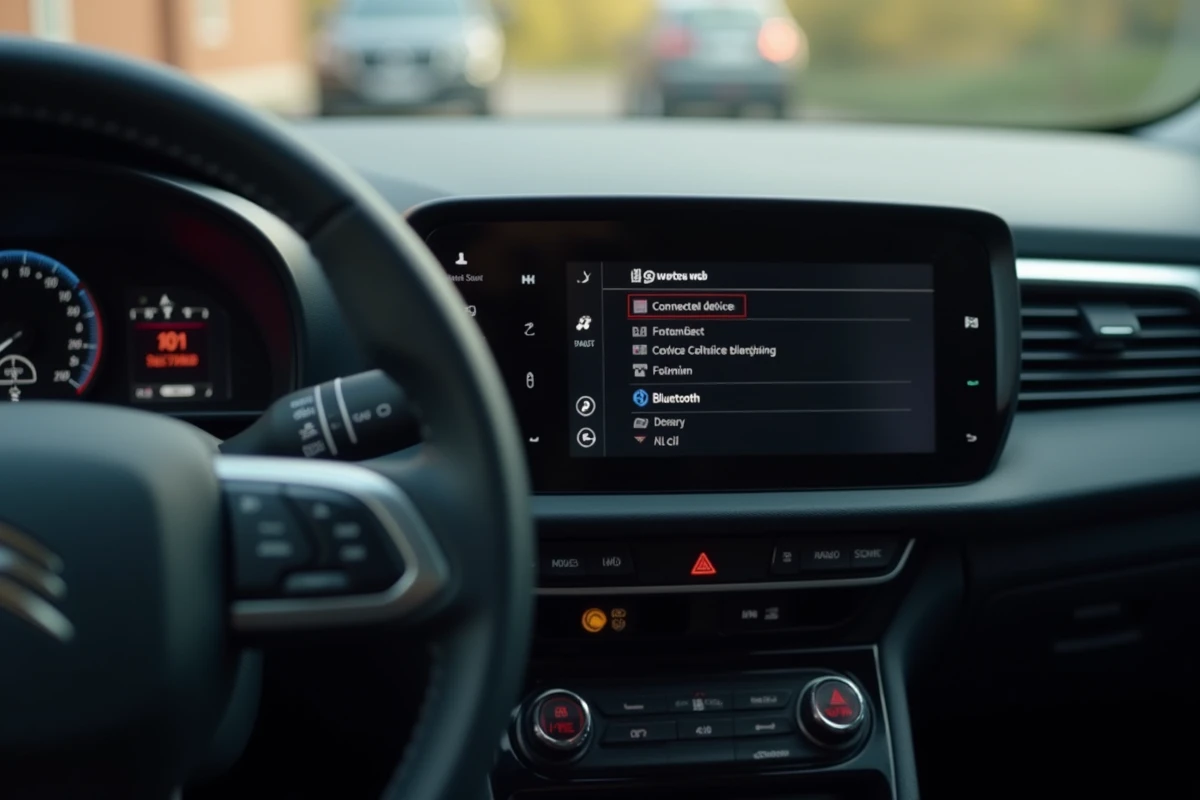
Aftermarket Car Radio: Precautions Before Replacement
Replacing the original car radio to gain Bluetooth features or add CarPlay to an older C3 is a common option. A few points deserve attention before proceeding:
- Check the compatibility of the wiring harness with the new car radio (a specific Citroën adapter is often required).
- Prefer a CarPlay or Android Auto certified car radio over a generic model that emulates these functions.
- Ensure that the steering wheel controls remain functional after installation, which sometimes requires an additional interface box.
A certified car radio guarantees better Bluetooth and CarPlay stability than an unapproved model, even if the latter has a more attractive price.
Optimize Bluetooth Audio Quality on Citroën C3 Car Radio
Bluetooth compression degrades the audio signal compared to a wired connection. On C3 models equipped with A2DP streaming, a few adjustments can significantly improve sound quality.
The volume of the phone and that of the car radio operate independently. Raising the smartphone volume to about three-quarters of its maximum capacity, then adjusting the final volume from the car radio, reduces distortion. Lowering the phone volume to minimum while pushing the car radio to maximum produces an audible hiss.
Disabling sound effects and the smartphone equalizer allows the C3 car radio to manage audio processing without double compression. Streaming applications (Spotify, Deezer) also offer a Bluetooth quality setting in their parameters: selecting the highest available quality improves the final result.
Bluetooth on Citroën C3 covers a wide spectrum, from the simple hands-free kit of the early models to the complete multimedia system of the current versions. The difference in experience between two C3s of different generations depends as much on the supported protocol as on the applied settings. Precisely identifying the capabilities of your car radio, maintaining a clean pairing, and choosing the right connection mode according to usage remain the three concrete levers to get the best out of the embedded system.